Practical Ways Hotels Can Keep Their Servers and Systems Secure
Written by Ria Mallari, Technical Support Admin Officer under Servo’s Technical Support Department. Through her work in client support, she shares practical insights on hotel technology, system maintenance, and keeping daily operations running efficiently.
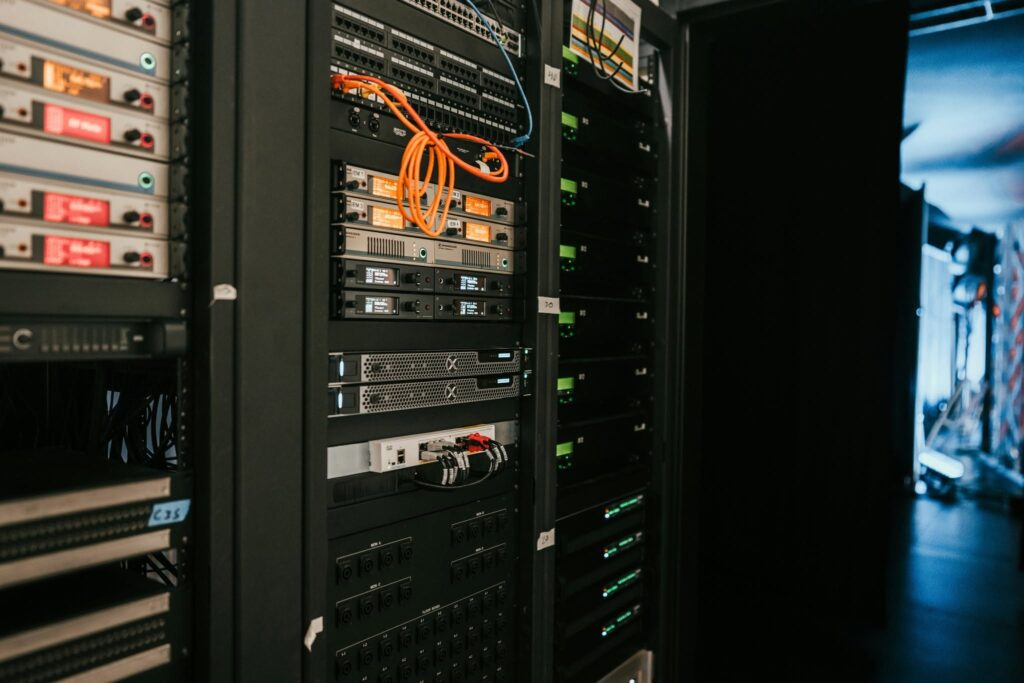
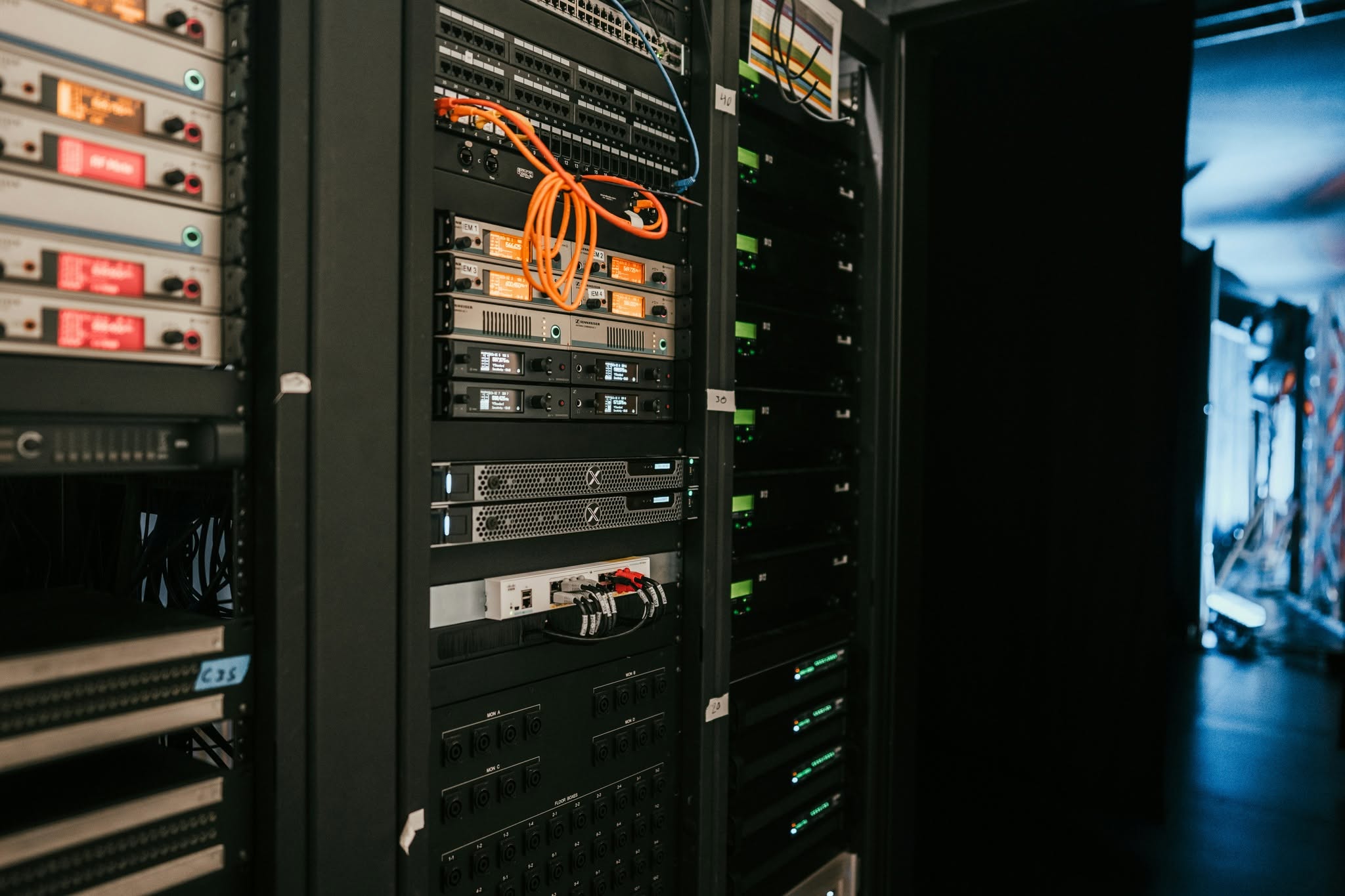
A guest checks in, a payment goes through, and a room door opens with a tap. Everything feels effortless. Behind these everyday experiences, however, lies a digital infrastructure working around the clock. At its center are servers—the backbone of hotel technology, connecting systems, processing information, and keeping daily operations running smoothly.
From reservations and billing to guest records and room management, hotels rely heavily on servers to keep their operations connected. While guests enjoy seamless service, few realize how much depends on these unseen systems.
A compromised server can disrupt reservations, interrupt billing, expose sensitive guest information, and damage a hotel’s reputation. Cyber threats such as ransomware, phishing, malware, and unauthorized access can quickly turn an ordinary day into an operational challenge.
So, how can hotels protect their digital backbone? Here are practical steps every hotel should consider.
1. Keep Servers and Software Updated
Outdated software can contain security vulnerabilities that cybercriminals exploit to gain access to hotel systems.
What hotels can do:
- Install operating system and software security updates regularly.
- Keep server applications, antivirus software, firewalls, and firmware updated.
- Establish a regular patch management schedule.
- Prioritize critical security updates, especially for internet-facing systems.
- Remove outdated or unsupported software that no longer receives security updates.
- Test updates before deploying them to critical production systems to avoid unnecessary operational disruptions.
Tip: Assign someone to monitor updates and maintain a record of installed patches. Treat server maintenance as part of your hotel’s regular preventive maintenance program.
2. Use Strong Passwords and Multi-Factor Authentication
Weak or reused passwords make it easier for unauthorized individuals to access hotel servers and applications. A compromised employee or administrator account can put multiple systems at risk.
What hotels can do:
- Require long, unique passwords for server and system accounts.
- Enable Multi-Factor Authentication (MFA), especially for administrator accounts and remote access.
- Never share administrator credentials among employees.
- Use a password manager to store and manage credentials securely.
- Change default passwords on servers, routers, switches, and other network devices.
- Disable accounts belonging to resigned employees or personnel who no longer require access.
Tip: Avoid using easily guessed passwords such as hotel names, birthdays, department names, or simple number combinations.
3. Limit Access to Authorized Personnel
Not everyone needs access to every system. A hotel employee who handles reservations, for example, does not necessarily need administrator privileges on the server.
What hotels can do:
- Assign user permissions based on job responsibilities.
- Apply the principle of least privilege: give employees access only to the information and functions they need.
- Restrict administrator access to designated IT personnel.
- Review user accounts and permissions regularly.
- Remove inactive accounts and unnecessary access privileges.
- Require approval before granting elevated access to critical systems.
Tip: Conduct an access review whenever an employee changes departments, gets promoted, or leaves the organization.
4. Secure Remote Access to Servers
Remote access allows authorized IT personnel and technology providers to troubleshoot and maintain hotel systems without being physically present. However, unsecured remote connections can become entry points for cyberattacks.
What hotels can do:
- Use secure VPN connections for remote server access.
- Require MFA for remote connections.
- Avoid exposing Remote Desktop Protocol (RDP) directly to the public internet.
- Allow remote access only to approved personnel and service providers.
- Disable remote access when it is no longer needed.
- Monitor remote login activity and investigate unfamiliar access attempts.
- Establish clear procedures for third-party technicians who need to access hotel systems.
Tip: Before allowing a service provider to connect remotely, verify that the access is authorized, necessary, and properly secured.
5. Back Up Important Data Regularly
Imagine losing access to your reservation records, billing information, or guest data because of a server failure or ransomware attack. Without reliable backups, recovering operations can become difficult and costly.
What hotels can do:
- Schedule automatic backups of important databases, files, and server configurations.
- Maintain multiple backup copies.
- Keep at least one backup copy offline or isolated from the main network.
- Store backup copies in a secure location.
- Restrict access to backup systems and credentials.
- Test data restoration regularly to confirm that backups are usable.
- Establish a recovery plan outlining how essential systems will be restored.
Tip: A successful backup is not enough. Schedule regular restoration tests to make sure your hotel can actually recover its data when needed.
6. Protect the Entire Hotel Network
Hotel technology extends beyond servers. Property Management Systems (PMS), Point-of-Sale (POS) terminals, electronic door locks, CCTV cameras, Wi-Fi networks, and third-party services are often interconnected.
While these connections improve efficiency, they can also introduce security risks. A vulnerable device can potentially become an entry point to other parts of the network.
What hotels can do:
- Separate guest Wi-Fi from the internal hotel network.
- Keep POS terminals, servers, administrative computers, and other critical systems on appropriately segmented networks.
- Secure routers, switches, firewalls, and wireless access points.
- Disable unused network ports and unnecessary services.
- Change default login credentials on connected devices.
- Review network connections and remove unauthorized devices.
- Work with IT professionals to establish appropriate firewall rules and network segmentation.
Tip: Guests should never be able to access the same network resources used for hotel administration, reservations, or payment processing.
7. Monitor Server Activity and Watch for Suspicious Behavior
Cyberattacks do not always happen with obvious warning signs. Unusual login attempts, unexpected system changes, unfamiliar devices, and unexplained network activity may indicate a security problem.
What hotels can do:
- Enable server and network activity logging.
- Monitor failed login attempts and unusual access patterns.
- Use reliable security software to detect malware and suspicious activity.
- Review security alerts and investigate unusual behavior promptly.
- Monitor server performance, storage capacity, and network traffic.
- Establish a process for reporting potential security incidents.
Tip: Do not ignore repeated failed login attempts, unexpected system slowdowns, or unfamiliar applications running on your server. These may be early warning signs that something needs investigation.
8. Train Employees to Recognize Cyber Threats
Technology alone cannot eliminate every risk. A single click on a malicious email, an accidentally shared password, or an unverified payment request can expose critical systems.
Every employee plays a role in protecting the hotel’s digital environment.
What hotels can do:
- Conduct regular cybersecurity awareness training.
- Teach employees how to recognize phishing emails and suspicious links.
- Remind staff never to share passwords or verification codes.
- Establish procedures for verifying unusual payment requests and sensitive transactions.
- Encourage employees to report suspicious emails, messages, or system behavior immediately.
- Restrict the installation of unauthorized software on work computers.
Tip: Make cybersecurity part of employee onboarding and refresher training. Even non-technical employees should know how to recognize and report potential threats.
9. Prepare an Incident Response and Recovery Plan
Even with security measures in place, no hotel is completely immune to cyber threats. Knowing what to do when an incident occurs can help minimize downtime, financial losses, and disruption to guest services.
What hotels can do:
- Identify the IT personnel and management representatives responsible for handling security incidents.
- Establish a clear reporting and escalation process.
- Document procedures for isolating affected devices and systems.
- Coordinate with IT providers and relevant technology partners.
- Maintain backup systems and recovery procedures.
- Identify alternative processes for essential hotel operations when digital systems become unavailable.
- Conduct periodic recovery exercises to test preparedness.
Tip: Make sure department heads know whom to contact if the PMS, POS, or other critical systems suddenly become unavailable.
Cybersecurity Is Everyone’s Responsibility
Protecting hotel servers requires more than installing antivirus software or setting up a firewall. It involves consistent maintenance, controlled access, reliable backups, network protection, employee awareness, and proper incident response.
Hotels should regularly assess their systems, review security practices, train employees, and work closely with qualified IT professionals and technology partners.
Cybersecurity is not a one-time task; it is an ongoing commitment that requires cooperation among IT teams, employees, management, and service providers.
Protecting Technology Means Protecting Hospitality
As hotels become increasingly dependent on digital services, cybersecurity is essential to business continuity, guest privacy, and customer trust.
Guests may never see the servers, security tools, or monitoring systems operating behind the scenes. However, they benefit from every protected record, successful transaction, and uninterrupted service.
The server is the backbone of hotel operations, and cybersecurity helps keep it strong. By taking proactive steps to protect their systems and prepare for potential threats, hotels can strengthen their resilience and ensure that technology continues to support what matters most: exceptional hospitality and guest confidence.
A secure hotel is not just one with reliable technology. It is one that knows how to protect it.